> ## Documentation Index
> Fetch the complete documentation index at: https://docs.parea.ai/llms.txt
> Use this file to discover all available pages before exploring further.
# Trigger experiments
> Evaluate your prompts on a dataset with evaluation metrics.
Running experiments helps to understand how your prompt performs on your (a subset of) dataset. You can trigger it by:
1. Click `Trigger experiment` in an open playground session.
2. Select the prompts from the session you want to benchmark.
3. Optionally, select the evaluation metrics you want to use to score the outputs of the prompts. If the evaluation metrics rely on `log.inputs` the prompt templates' variable names should match those expected by the evaluation metric.
4. Select the test case collection you want to use for the run.
5. Select the test cases you want to use for the run.
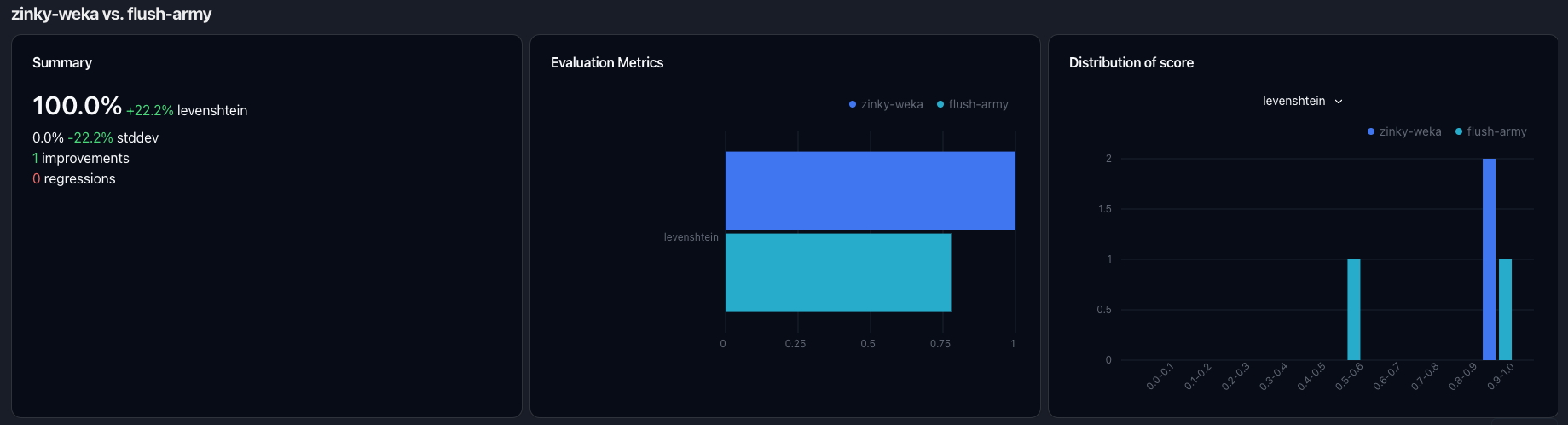
After the experiment finishes, you can see the aggregated results in the "Experiment" tab and see the individual results
when clicking on the experiment. Below you can see a sample image of the detailed experiment view:
 You can only trigger an experiment if you have uploaded a dataset to the platform.
Learn more about comparing experiments to identify regressions & improvements in the [experiment comparison](/evaluation/overview#comparing-experiments) section.
You can only trigger an experiment if you have uploaded a dataset to the platform.
Learn more about comparing experiments to identify regressions & improvements in the [experiment comparison](/evaluation/overview#comparing-experiments) section.